86536
EAN - 8717278.86536.2
User Manual - Wireless Dance Mat
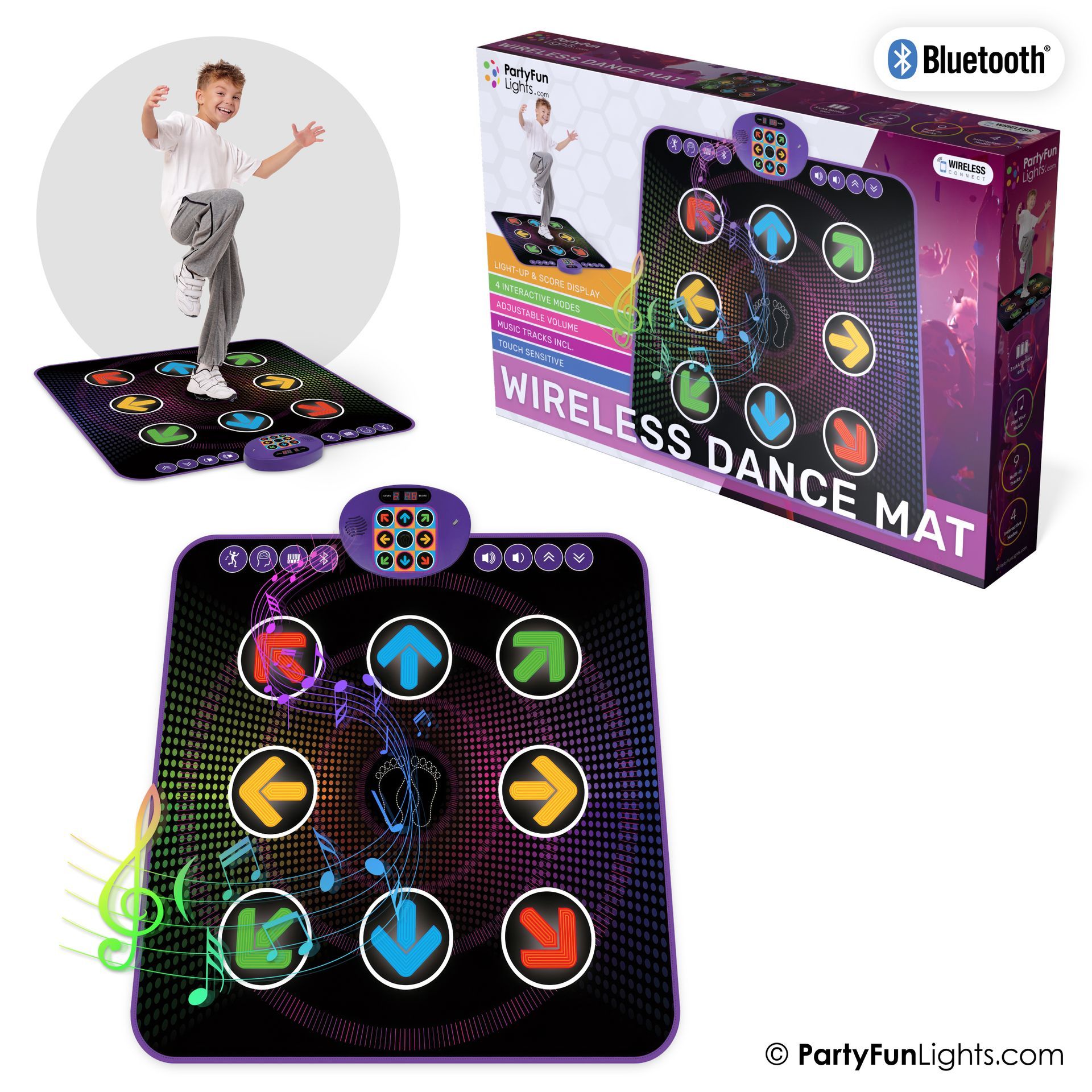
Getting started
To make correct use of the functions and to know the system’s connections and usage, please read this user manual carefully before using the product. Keep this manual in a safe place for future reference.
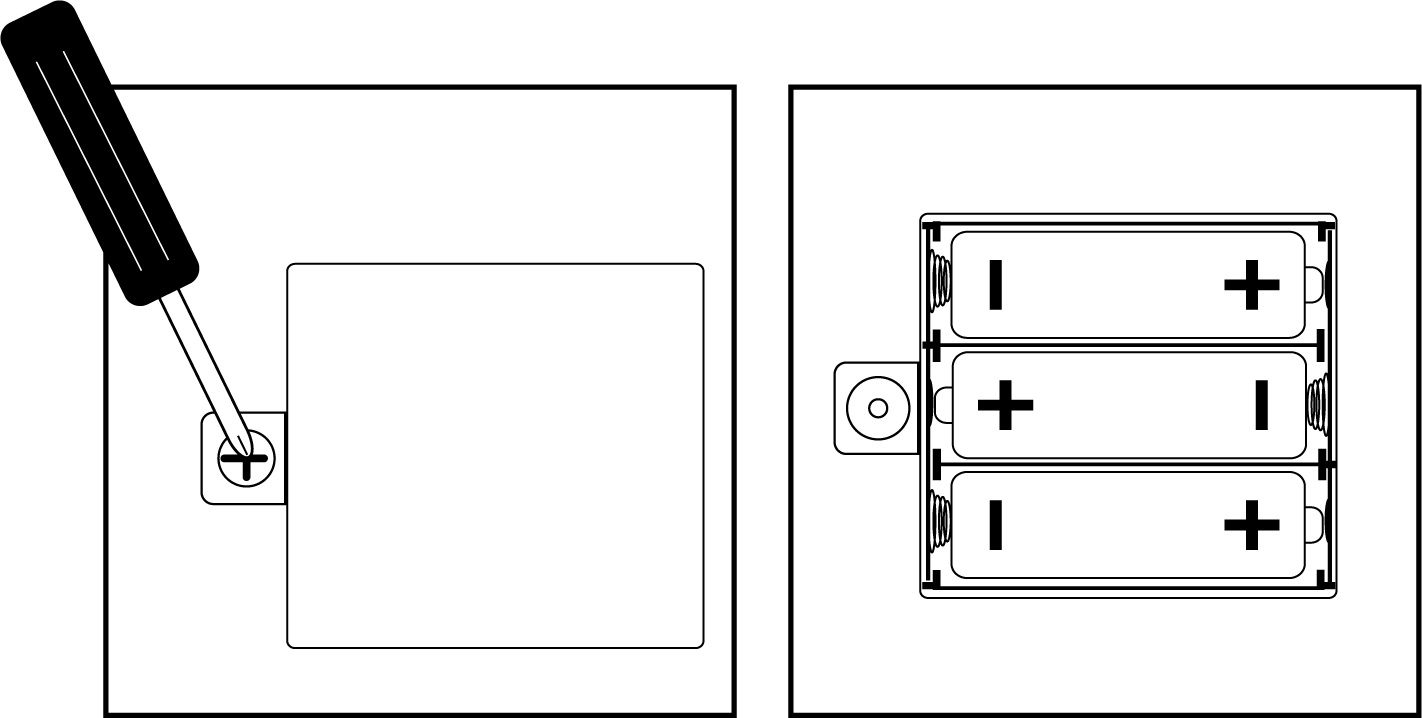
Installation of the batteries
Open the battery compartment on the back using a screwdriver and insert 3 x AA batteries (not included). Close the lid and flatten the mat. When powered on, the mat will play a startup sound.
Dance game mode
Press X to enter dance game mode.
Press X and X to select background music and difficulty level.
Follow the lights and step on the corresponding dance pads to earn points.
Memory game mode
Press X to enter memory game mode.
Press X and X to select background music and difficulty level.
Memorize the light sequence and step on the matching dance pads in the correct order to earn points.
Piano mode
Press X to enter piano mode and step on the dance pads to play tunes.
Press X and X to adjust the volume.
Bluetooth mode
Press X to connect the Dance Playmate to an external music device and play your favorite tunes.
Bluetooth name: PartyFunLights